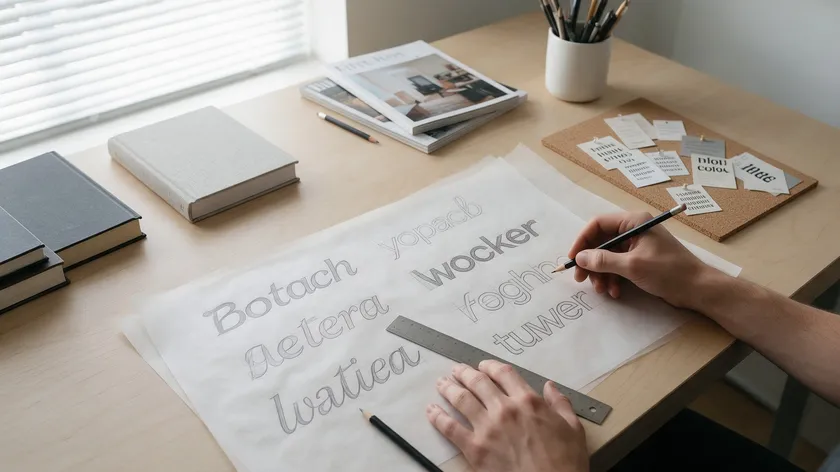
A typography logo is built entirely from letterforms without icons—and getting it right has far less to do with font choice than most people think.
Typography plays a foundational role in logo design, yet the real difference between a forgettable word and a distinctive brand’s identity comes down to execution: spacing, hierarchy, letter customization, and case.
Typography influences brand personality and recognition at every level.
This guide walks you through the full craft process. You will learn what makes a typographic logo different, how to plan your text and hierarchy, how to fine-tune kerning and letter spacing, how to customize letterforms with case choices and ligatures, how to build layout systems with grids and variations, and how to test and roll out a production-ready design.
A comparison table breaks down common decisions side by side, and a testing checklist closes the loop so your new typography logo works on screens, print, signage, and social media.
Table of Contents
- What Makes a Typographic Logo Different?
- Plan the Text: Business Name, Tagline, and Hierarchy
- Crafting Spacing: Kerning, Letter Spacing, and Word Rhythm
- Shape the Letters: Customization, Case, and Ligatures
- Layout Systems: Alignments, Grids, and Variations
- Practical Refinements: Color, Contrast, and Resolution
- Comparison Table: Common Typography Logo Decisions
- From Draft to System: Testing and Rolling Out Your Typography Logo
- Key Takeaways
- FAQs
- Should a typographic logo ever include a symbol or icon later on?
- How many versions of my typography logo do I actually need?
- What if my business name is very long—can a typography logo still work?
- How often should I update or refine my typographic logo?
- Can I design a strong typographic logo without hiring a professional designer?
What Makes a Typographic Logo Different?
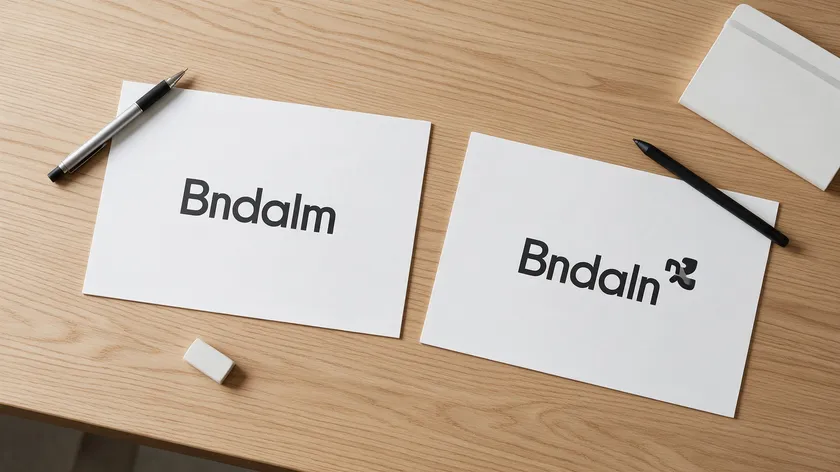
A typographic logo—sometimes called a typographic wordmark—relies entirely on letters, numbers, and sometimes punctuation to carry the brand. There is no separate symbol, icon, or illustration to lean on. A typographic logo prioritizes clarity and name recognition, making the text itself both a message and a visual mark.
This differs sharply from symbol-plus-text logo designs. An architecture studio that uses only its business name in carefully shaped letterforms is doing something fundamentally different from one pairing its name with a skyline icon.
When there is no symbol to hide behind, execution details like letter spacing, rhythm, and alignment play a huge role. Good typography balances distinctiveness with legibility, and typography logos can communicate tone before words are even consciously read.
Typography logos tend to shine for consultancies, tech startups, fashion labels, and media brands—anywhere the name itself must carry the brand personality.
A study of 9,563 brand wordmarks found that roughly 98% use bespoke or custom lettering rather than an unaltered off-the-shelf font, and about 93% lean toward sans serif typefaces. Poor typography can make a business appear untrustworthy, so the stakes of getting it right are real.
Plan the Text: Business Name, Tagline, and Hierarchy
Every typography logo starts with concrete text decisions. The choice of typeface acts as the visual voice of a brand, but before you shape a single letter, you need to know exactly what words you are shaping and how they relate to each other.
Typography establishes information hierarchy in combined logos—and that hierarchy begins with planning.
Business Name and Tagline
Decide whether the business name stands alone or is paired with a short tagline. For example, “Aurora Studio” might appear with “Brand & Digital Design” beneath it when the company is new and needs context. Over time, many brands drop the tagline once brand recognition builds.
The business name is the anchor of your brand’s identity, so its exact string—legal name, shortened name, stylized capitalization—should reflect how the brand will be introduced across marketing materials and various platforms.
Typographic Hierarchy and Layout Options
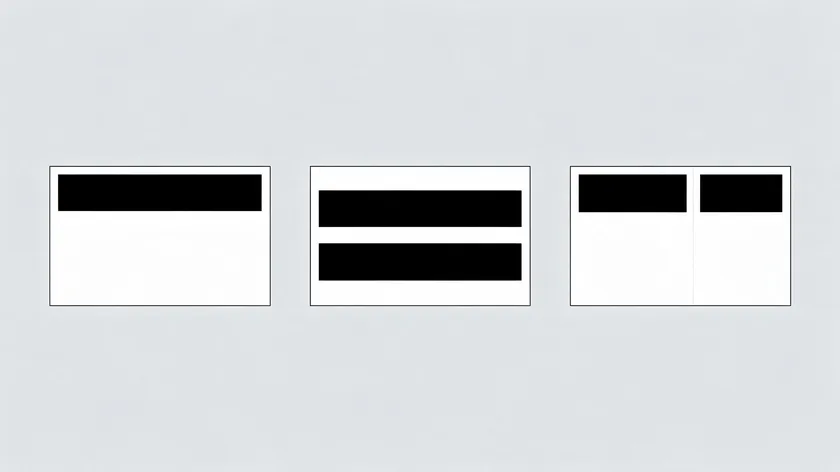
Typographic hierarchy means assigning visual weight to each element: the primary line (brand name) largest and boldest, the secondary line (descriptor or location) noticeably smaller, and sometimes a tertiary detail like “est. 2012” at a quieter scale. Layout options commonly include:
- A single-line horizontal layout for website headers and signage.
- A stacked layout with two or three lines for square spaces like social media avatars.
- A split layout where a short word is centered over a longer descriptor.
Sketch at least three different hierarchies for the same text before moving on—try the tagline in small caps, at the side, or removed entirely for a cleaner new logo.
Crafting Spacing: Kerning, Letter Spacing, and Word Rhythm
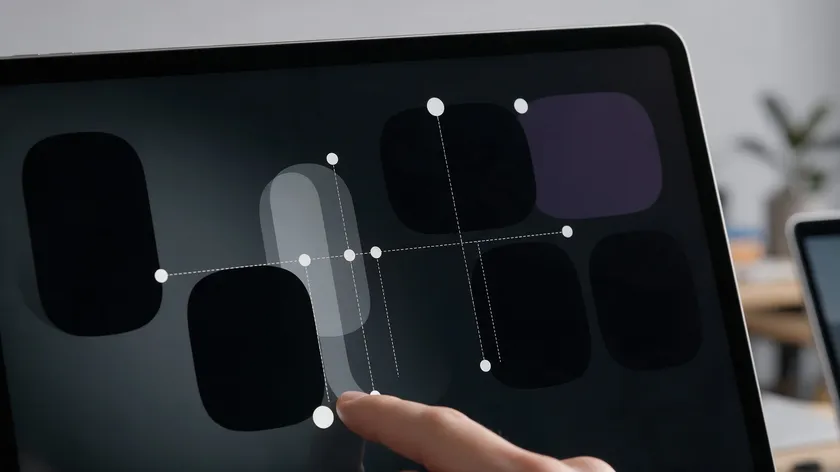
Spacing is where a typography logo lives or dies. Kerning refers to the adjustment of space between individual letter pairs, while tracking controls overall letter-spacing across the brand name. Both demand manual attention because default font spacing is rarely ideal for a logotype.
Kerning: Adjusting Letter Pairs
Designers should manually adjust tight pairs like “AV,” “To,” and “Ta,” and open up cramped areas inside rounded characters. Even professional-grade fonts ship with kerning tables that serve body text well but fall short at display sizes.
Careful attention to kerning tends to make letter-pair adjustments feel measurable and consequential—not just aesthetic preferences.
Letter Spacing (Tracking)
Small changes in letter spacing—for example, +10 tracking or −20 tracking in your design software—can dramatically affect legibility and tone. Slightly tighter spacing tends to feel compact and premium, suiting an upscale or glamorous vibe.
Slightly looser spacing feels open and relaxed, reinforcing a sustainable vibe for wellness or lifestyle brands. Avoid hard rules; instead, explore different fonts and tracking values together.
Testing Word Rhythm
Visually test rhythm by squinting at the logo to blur letter shapes and check overall grey balance, flipping it horizontally to spot asymmetries, or covering parts of the word to see if any letter pair clumps together or drifts away.
When using a logo maker or typography logo template, treat auto-generated spacing as a starting point and refine it—do not accept default kerning as final.
Compare at least three spacing versions before locking your new typography logo. Fine-tuning at this stage prevents problems that become expensive to fix once the design reaches production files.
Shape the Letters: Customization, Case, and Ligatures
Once spacing feels right, the next step is to customize letter shapes so the typographic logo feels unique instead of “just typed.” Distinctive lettering forms a visual anchor for brand recognition only when it is intentional.
Case Choices
Case choice shifts perception instantly. All caps—”NOVA”—communicates stability, authority, and formality, though it can reduce legibility at tiny sizes. All lowercase—”nova”—feels friendly and modern, projecting a digital-native tone. Title case—”Nova”—offers balance.
Different typefaces instantly evoke distinct emotional responses, and case amplifies that effect. Sans-serif fonts feel clean, modern, and direct; serif typefaces suggest tradition and refinement; and script fonts convey elegance, warmth, and personal touch. Display fonts offer bold, unique impact but should be used sparingly.
Letter Customization
Simple, low-risk customizations include extending the crossbar of a “T,” rounding corners of sharp letters, or aligning the dot of an “i” with nearby angles to create subtle motifs.
You can also remove or simplify decorative strokes to adapt a typeface into a cleaner typographic style tailored to digital use. Unique typefaces become visual signatures for brands—timeless simplicity is preferable to trendy fonts that date the logo quickly.
Ligatures
Ligatures are intentional connections between letters—joining “f” and “l” or merging “st” into a single gesture—that can create a new typography logo feel without harming readability.
These custom tweaks are what separate generic logo templates from recognizably custom letter designs, and they are the engine behind most typography logo ideas you will discover when searching for inspiration.
Experiment freely and save multiple variants—different case and ligature choices—before choosing the final typographic logo. Each variant is a preview of how the brand could feel across platforms.
Layout Systems: Alignments, Grids, and Variations
Strong typography logos rely on invisible structures—grids, baselines, and alignment rules—that keep every version consistent across platforms. Typography acts as a design anchor alongside colors and symbols, and good typography improves logo usability across multiple platforms.
Alignment Options
Flush left tends to feel practical and grounded, well-suited for B2B brands. Centered alignment gives formality and is often used by fashion or ceremonial brands. Flush right is less common and can feel edgy if not handled carefully. Each alignment choice shapes what your product represents visually.
Grids and Baselines
Use simple horizontal guidelines to keep primary and secondary text on a shared baseline or aligned x-height, even when using different fonts or weights. Optical corrections—like slightly overshooting round characters past the baseline—ensure the design looks right, not just measures right.
Creating Layout Variations
Create at least two layout variations: a primary horizontal version and a stacked version for square spaces like app icons. A designer should test each layout on realistic surfaces such as website headers, business cards, and product labels to see how the logo design performs in context.
Even if an editor offers many automatic layouts, choose just 1–2 core systems and commit—too many variants can dilute brand recognition.
With your layouts defined, it is time to move into the more technical, production-ready considerations that protect your work at every scale.
Practical Refinements: Color, Contrast, and Resolution
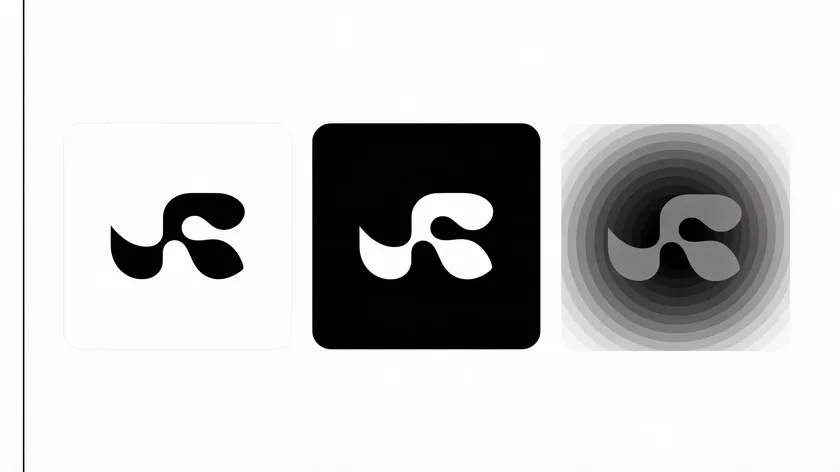
Before finalizing a typography logo, test it in one color, reversed on dark backgrounds, and at different sizes to confirm legibility. Logos should remain sharp and legible at tiny sizes, and typography must remain readable and recognizable at different sizes—from a favicon to a billboard.
Monochrome and Contrast Testing
Every typographic logo should work first in pure black on a white background. Color comes afterward because most reproduction issues appear in monochrome versions.
If brand colors are light or muted, ensure the logo can also appear in a darker variant for accessibility on screens and print. Good typography ensures a logo remains functional and legible across scales.
High-Resolution Master Files
The master logo should be built as a vector file—SVG, EPS, or PDF—so it exports to high-resolution PNG and JPEG without losing sharpness.
These formats let you download files ready for both digital platforms and physical production like embroidery or engraving.
Usage Guidelines
Create a simple usage sheet showing minimum size, safe clear space around the logo, and preferred background colors. This helps keep logo designs consistent as the brand grows, alongside the broader business logo design decisions that shape your brand.
Customize typography logos by changing colors, fonts, and layouts as needed, but always within the documented system. Some logo maker tools can export multiple formats in just a few clicks, but designers should still manually review edges, letter spacing, and color contrast in each exported file.
Fonts convey different vibes—upscale, earthy, and playful—and these refinements ensure the intended vibe survives every reproduction scenario. The following table maps the most common decisions to their brand effects.
Comparison Table: Common Typography Logo Decisions
This table compares typical typography logo choices against their usual brand effects. Whether you are starting from a template or building from scratch, use it to personalize your approach—scan each row to refine your own logo ideas and find combinations that match your target audience.
| Decision | Option | Typical Effect on Brand Perception | Best Used For |
|---|---|---|---|
| Letter spacing | Tight tracking (slightly negative) | Feels compact, focused, and premium; can become hard to read at very small sizes if overdone. | High-end fashion labels, architecture studios, minimalist tech brands launching a new logo. |
| Letter spacing | Loose tracking (slightly positive) | Feels airy, open, and relaxed; improves legibility on screens and light backgrounds. | Lifestyle brands, wellness studios, sustainable product lines emphasizing calm and space. |
| Case style | All caps | Communicates stability, authority, and structural simplicity; can seem distant if paired with harsh colors. | Financial services, B2B consultancies, law firms, or enterprises needing a strong typographic logo. |
| Case style | All lowercase | Feels friendly and informal; suggests accessibility and digital-native culture. | Startups, creative agencies, social apps aiming for a conversational voice in their logo design. |
| Tagline usage | With tagline | Adds clarity and context, especially for new or niche businesses, but increases visual complexity. | New brands, specialized services, or international companies clarifying their offer beneath the business name. |
| Tagline usage | No tagline | Cleaner, bolder, and more iconic; relies on the name and typography alone to carry meaning. | Established brands, products with strong recognition, or when designing compact logo templates. |
| Weight contrast | Bold name + light descriptor | Creates clear hierarchy and a focal point on the brand name; keeps extra information in the background. | Logos where the company name must be memorable while the secondary line remains informative but quiet. |
| Letter customization | Subtle edited letters (custom “A,” ligature) | Makes a familiar font feel custom and proprietary without sacrificing usability. | Brands wanting typography logo ideas that feel unique while still being easy to apply across media. |
After scanning these rows, choose combinations that match your desired brand identity rather than following trends alone. Sans-serif typefaces indicate modernity and accessibility; serif typeface styles lean toward tradition. A well designed logo draws from your preferences, not from what is popular this season.
From Draft to System: Testing and Rolling Out Your Typography Logo
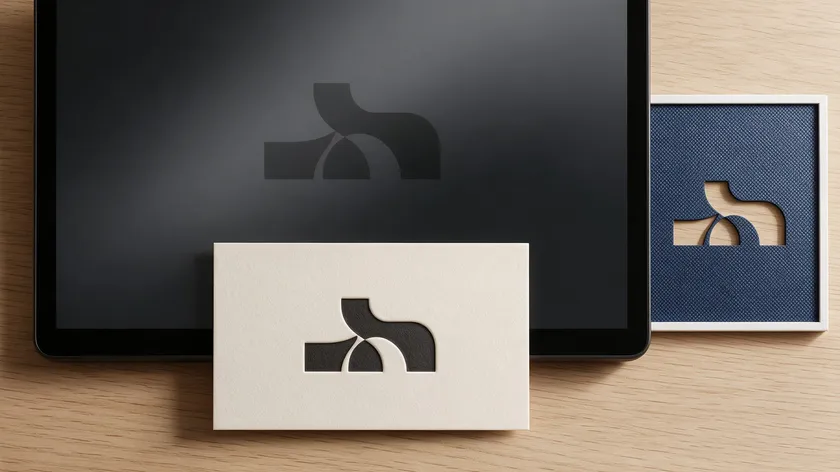
A great typographic logo is not finished until it has been tested in realistic scenarios and turned into a small, usable system. Typography logos can be designed in as few as thirty minutes with the right tools, but the testing phase is what separates a project that lasts from one that needs rework within months.
Testing in Real-World Scenarios
Print the logo at business card size, place it in a website mockup, try it as a social media avatar, and view it on both light and dark backgrounds. Each context reveals different issues: stroke clarity, counter collapse, or spacing that felt right on screen but fails in print. Using consistent typography builds familiarity and brand loyalty, so every touchpoint matters.
Rolling Out Your System
Export your vector master plus high-resolution raster versions in standard sizes and formats. Define simple usage rules: when to use the full lockup with the tagline, when to use a shortened form, and how much clear space to keep around the text-only mark. Roll your typography logo ideas across stationery, packaging, and digital platforms methodically.
Typography logos can enhance brand personality and recognition only when they are applied consistently.
Whether you start from a blank canvas or a starting template, the craft steps above are what turn a rough draft into a polished, production-ready typography logo.
Document final spacing values, exact colors, and font styles so you—or any collaborator—can recreate consistent logo designs in the future.
Key Takeaways
- A typography logo is built from letters alone; execution details like kerning, letter spacing, case, and hierarchy determine whether it feels distinctive or generic.
- Plan your text first—decide on your exact business name, whether a tagline is needed, and how the typographic hierarchy should be ordered before touching any design tool.
- Customize letterforms with subtle shape edits and ligatures to move beyond a typography logo template into something proprietary. About 98% of brand wordmarks use bespoke lettering for exactly this reason.
- Build at least two layout variations (horizontal and stacked) and test them in monochrome, at small sizes, and across real-world surfaces before finalizing.
- Whether you start from scratch or use a logo maker, treat auto-generated spacing and styles as raw material—apply the craft checklist from this guide to refine every detail.
The steps above form a repeatable process you can apply to any new logo or use to audit more typography logos you have already created. Ready to try it? Build yours with our AI Logo Generator. Below, common edge-case questions are answered to round out your toolkit.
FAQs
These questions cover practical scenarios not fully addressed in the main sections above.
Should a typographic logo ever include a symbol or icon later on?
A typographic logo can evolve to include a symbol, especially once the brand name is well known and the company wants a shorter mark for small spaces. A common approach is to start with a pure text logo for clarity, then gradually introduce an initial-based monogram or abstract mark that echoes the original letterforms.
Keeping curves, angles, and proportions consistent between the text and any new symbol helps preserve recognition. Treat the symbol as an optional companion, not a replacement, until your audience clearly associates it with your brand.
How many versions of my typography logo do I actually need?
Most brands can function well with three core versions: a primary horizontal lockup, a stacked version for square or vertical spaces, and a simplified small-space version without a tagline. Each version should use the same core letterforms and spacing logic so they feel like a single system rather than separate logos.
Additional special versions—like a single-color stamp or an anniversary edition—can be created later as needed. Starting lean helps maintain consistency during your first years of building recognition.
What if my business name is very long—can a typography logo still work?
Long business names can still work as typography logos, but they often need careful hierarchy and breaking into multiple lines. Consider emphasizing a shorter, memorable core name on the first line and placing descriptive words on a second line in smaller type.
Tighten letter spacing slightly so the lockup does not become too wide, and test a stacked layout for narrow spaces. If length remains a problem, you may explore a shortened trading name while keeping the full legal name for formal documents.
How often should I update or refine my typographic logo?
Most brands refresh their logos every several years, but subtle typographic tweaks can happen more frequently when there is a clear reason—like poor legibility on mobile devices or expansion into new markets.
Instead of dramatic redesigns, consider incremental refinements such as small spacing adjustments, improved kerning, or slightly updated weights that modernize the look without breaking recognition. If customers or internal teams struggle to apply the logo consistently, that is often a sign that a structured refinement, not a complete overhaul, is due.
Can I design a strong typographic logo without hiring a professional designer?
It is possible to design a usable typographic logo with careful attention and a structured process, even if you are not a trained designer. Start with reliable fonts, follow the spacing and hierarchy steps from this guide, and take time to test your logo in real-world mockups before committing.
Seeking feedback from a small group of target customers or peers can help you spot issues you might miss alone. If the logo will represent a high-stakes launch or a major rebrand, consider at least consulting a professional to review and refine your work.

